Lock In Japanese
Japanese from your lock screen.
Everything you need to talk about Lock In Japanese to your audience: ready-to-copy boilerplate, brand assets, shareable mockups and disclosure guidance. Use it freely. For anything else, reach us at support@lockinjapanese.com.
Boilerplate & positioning
Copy any of these verbatim. Pick the length that fits your caption, description or bio.
Japanese from your lock screen.
Lock In Japanese turns your iPhone lock screen into a daily Japanese lesson and seals your social apps behind a quick quiz until you have earned your scroll.
Lock In Japanese is a quiet Japanese-learning app built around your lock screen. A single word waits there every time you reach for your phone. Open a social app and it sits behind a seal: answer a short quiz on the words you have been learning, and the seal lifts for a while. You trade a little study for a little scroll.
Lock In Japanese is an iOS app that teaches Japanese in the seconds you already spend on your phone. Instead of another flashcard grind, it puts one word on your lock screen so you meet it dozens of times a day, before the scroll ever begins. When you open Instagram, TikTok or X, the app seals them behind a short quiz drawn from the words you are learning. Answer correctly and you earn a window of scrolling; when it closes, the seal returns. The result is a habit that turns idle taps into steady, low-effort progress. Lock In Japanese is part of the Lock In family of lock-screen language apps. Learn more at lockinjapanese.com.
Brand assets
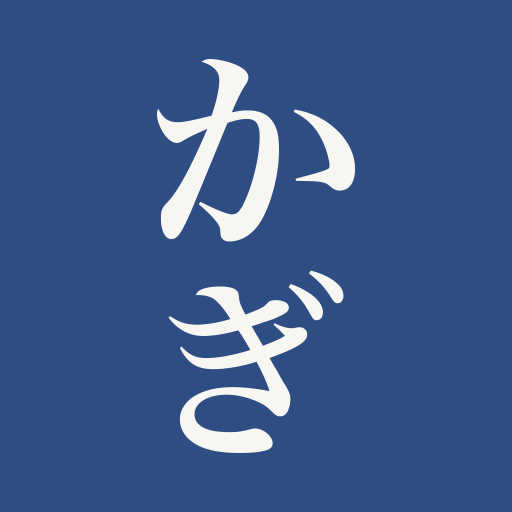
Aizome indigo, a full-bleed tile, and vertical かぎ in washi. Keep the mark upright. Use the outlined SVG for print and the supplied PNGs for app icons. No paper margin or Chinese chop.
Color palette
Typography
Hiragino Mincho ProN for kana and kanji, with Japanese serif fallbacks. Readings use kana, not pinyin.
System UI (SF Pro / Segoe / Roboto) for every Latin role, headings included. Set on paper (#F5F4EF) in sumi ink (#1B1C21). Aizome indigo is the accent.
Downloadable assets
Right-click / long-press to save, or use the download link on each tile. A single zipped bundle is not available yet - grab the individual files below.









Shareable mockups
Pixel-accurate iPhone renders of the three core moments. Screenshot these directly, or pose your own shot in the phone studio.

Talking points
The key features worth mentioning. Lead with the lock-screen habit; it is the hook.
- Learn Japanese from your lock screen, with no separate study session
- A single word widget you meet every time you pick up your phone
- Social apps (Instagram, TikTok, X) sit behind a seal until you pass a quick quiz
- A correct answer buys a timed window of scrolling, then the seal returns
- Spaced, bite-sized review that fits idle moments instead of adding to your day
- Calm, literati-inspired design: paper, sumi ink, a single seal-red mark
Disclosure & contact
If you are compensated or use an affiliate link, disclose it clearly and up front - it is the law (FTC endorsement guidelines) and it keeps trust with your audience. A copy-ready line:
This post is sponsored by / contains an affiliate link for Lock In Japanese. I may earn a commission if you download through my link, at no extra cost to you. #ad #sponsored
Want a code, an affiliate link, or early access for a review? Email us and mention your platform and audience.
support@lockinjapanese.com